Reports from Production Clip Reporter

Clip and Sequence Markers Reports

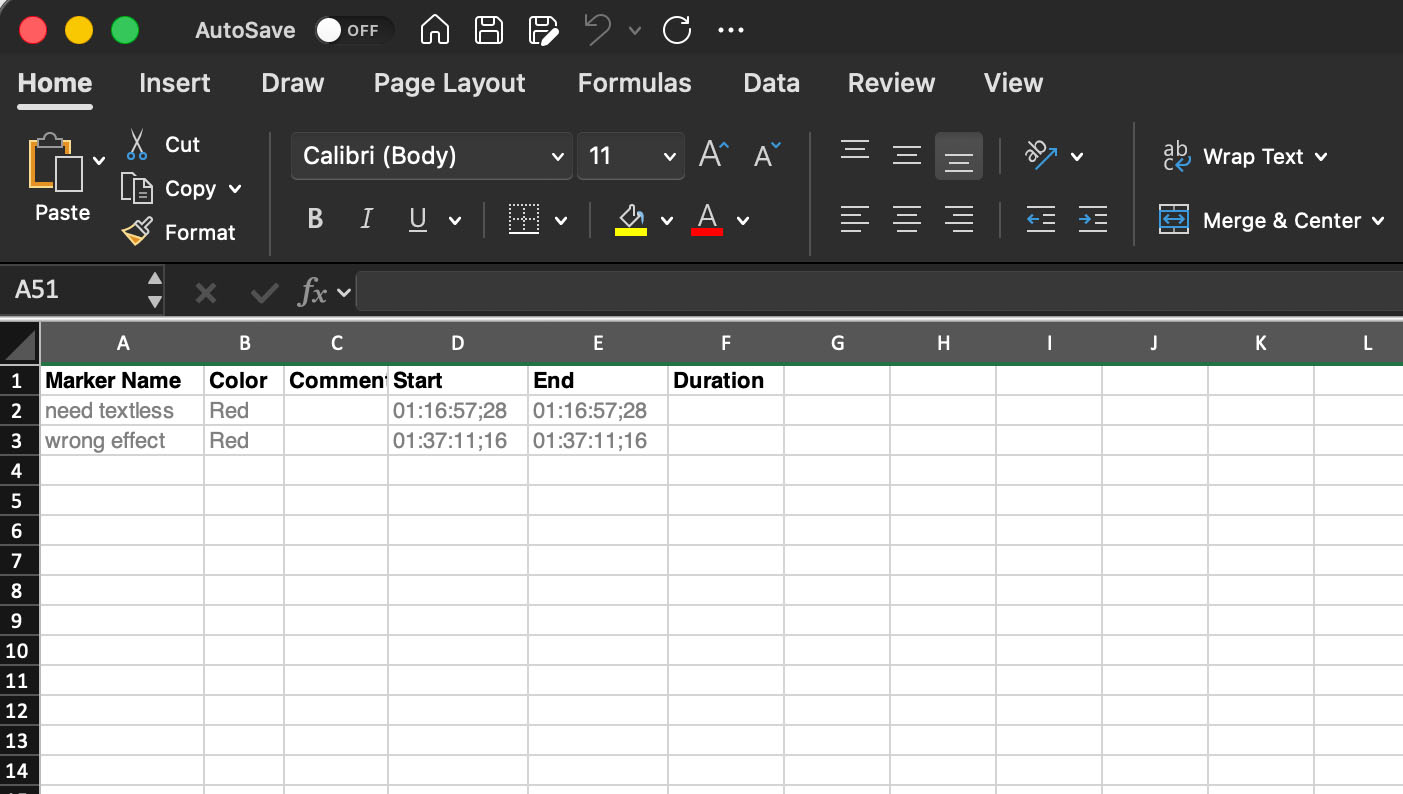
Lists the Clip Markers and Sequence Markers in order of their appearance (regardless of which track the clip is in). The report includes columns for: Track; Marker Name; Clip Name; Comment; Start timecode; Duration; and Color.

Graphics and Titles Report

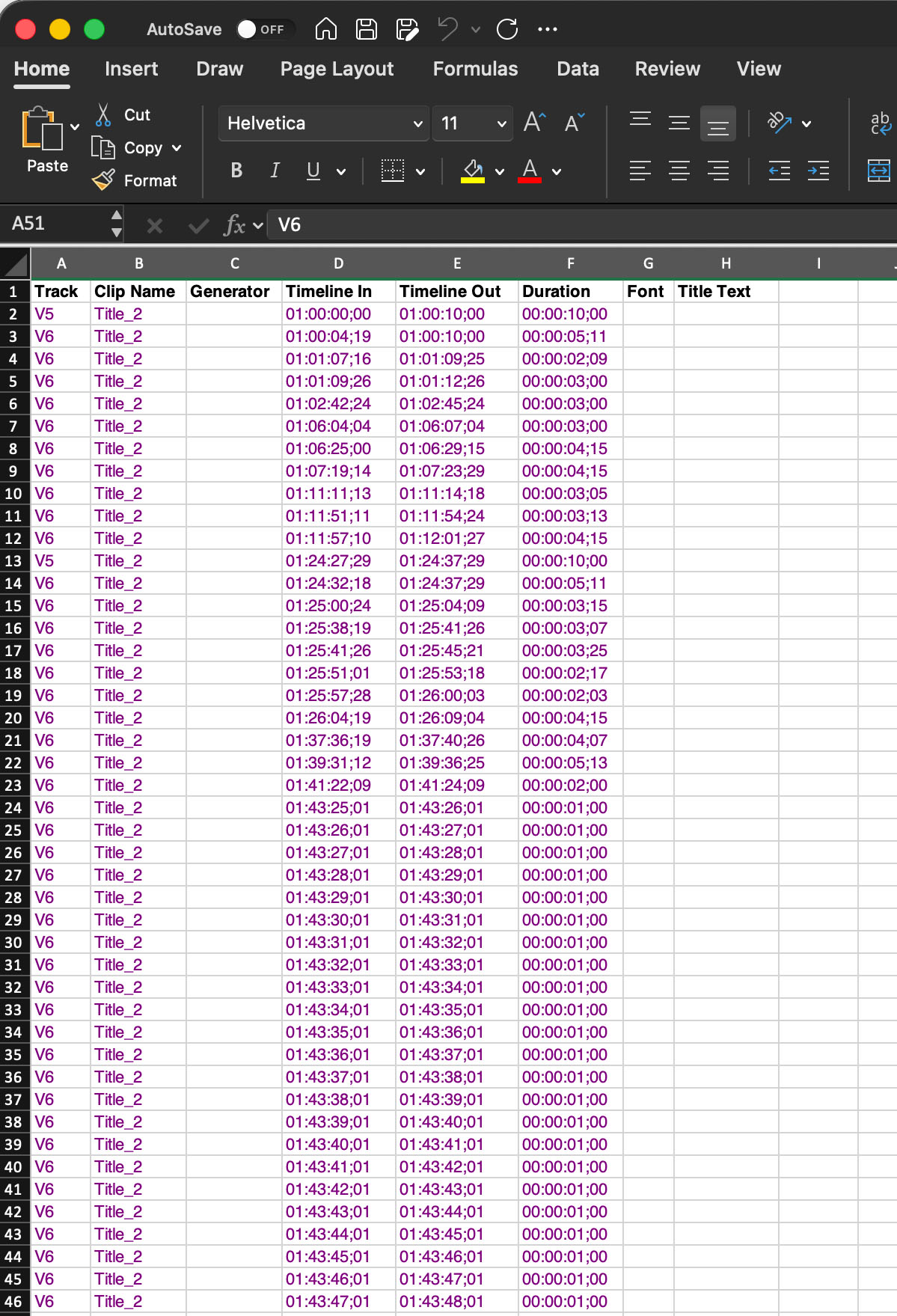
Lists the titles in the chosen video tracks. The report includes Title name and Text content as well as columns for: Track; Clip Name; Generator; Sequence In timecode; Sequence Out timecode; and Clip Duration (calculated from Sequence In/Out timecode). 

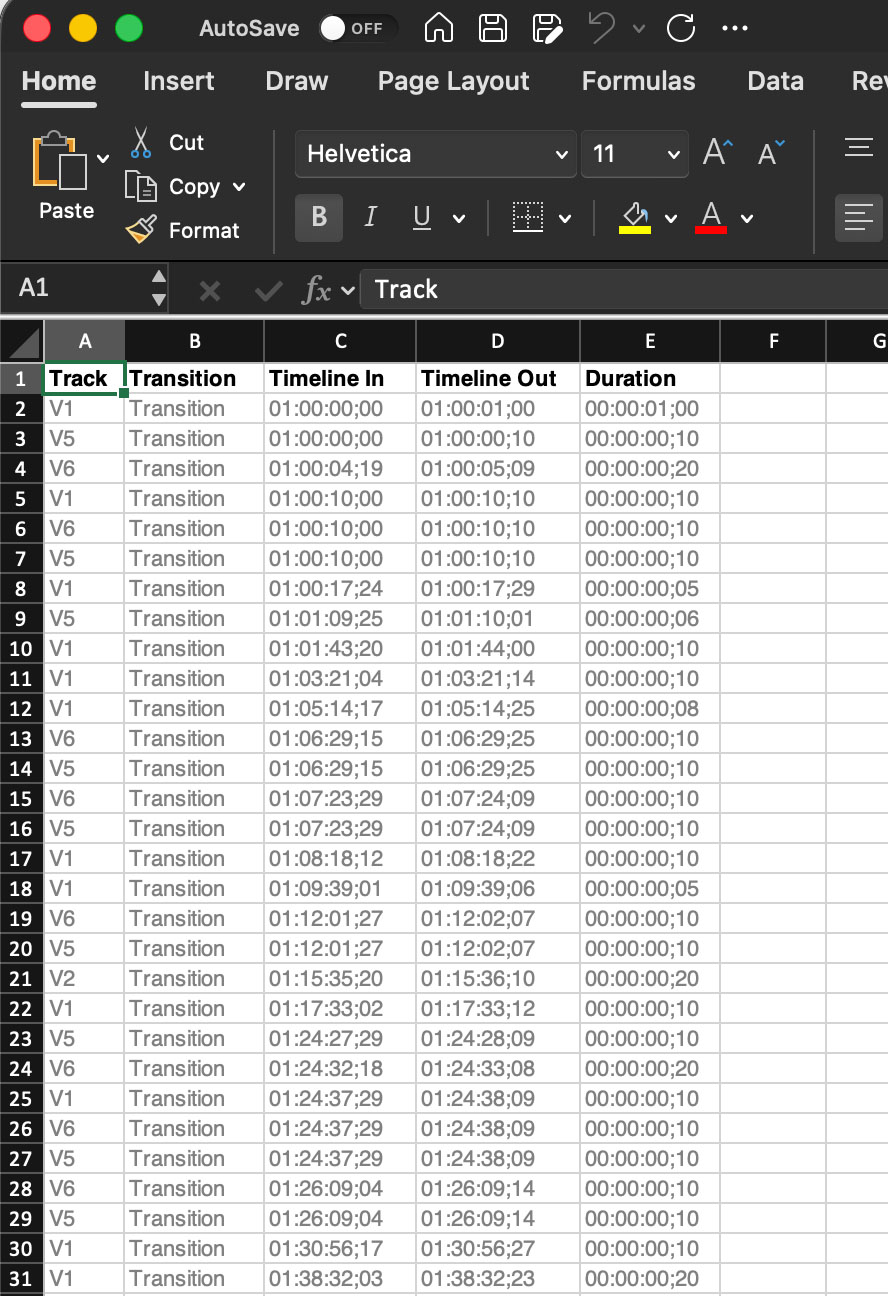
Transitions Report

Lists a summary of the transitions used and the transitions in the chosen tracks. The report includes columns for: Track; Transition name; Sequence In timecode; Sequence Out timecode; and Duration. 

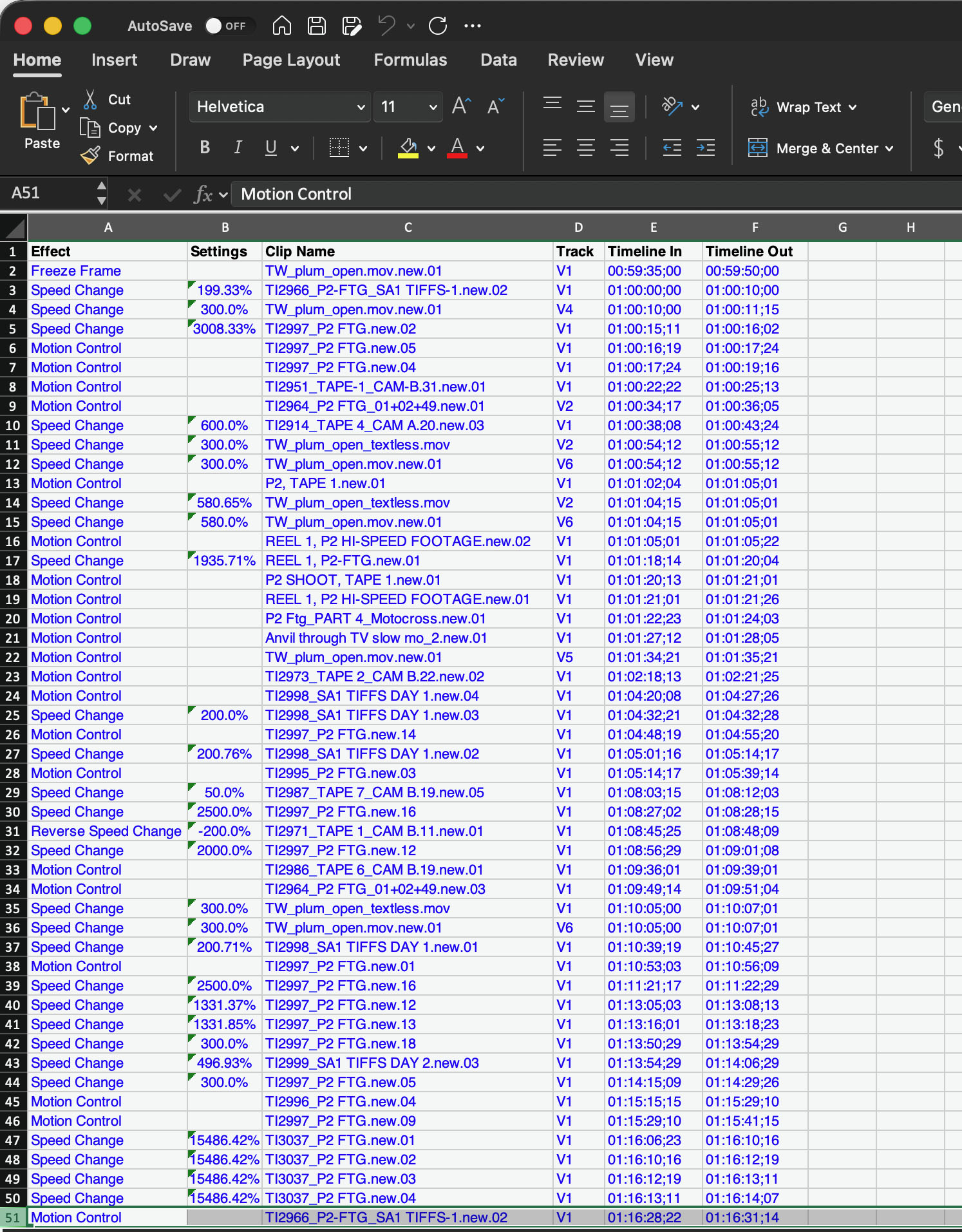
Effects Report

Lists the Motion tab settings applied to video clips for the chosen tracks. The report includes columns for: Track; Motion setting name; Clip Name; Sequence In timecode; Sequence Out timecode; and Duration.

Lists a summary of the filters applied to video and/or audio clips for the chosen tracks. The report includes columns for: Track; Filter name; Enabled; Clip Name; Sequence In timecode; Sequence Out timecode; and Duration. Third-party filters are highlighted with red text.

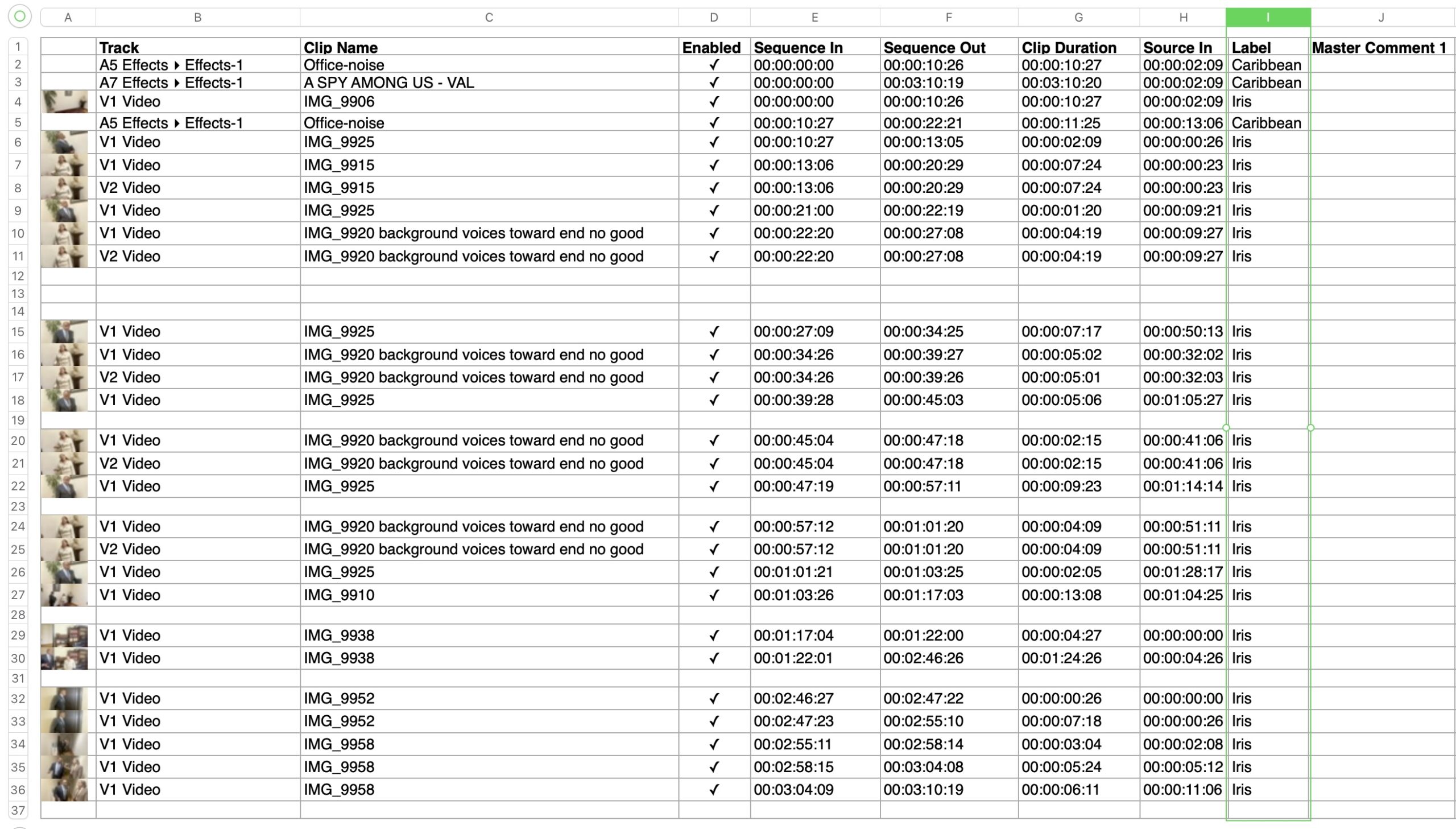
Optional Thumbnail Images

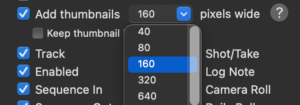
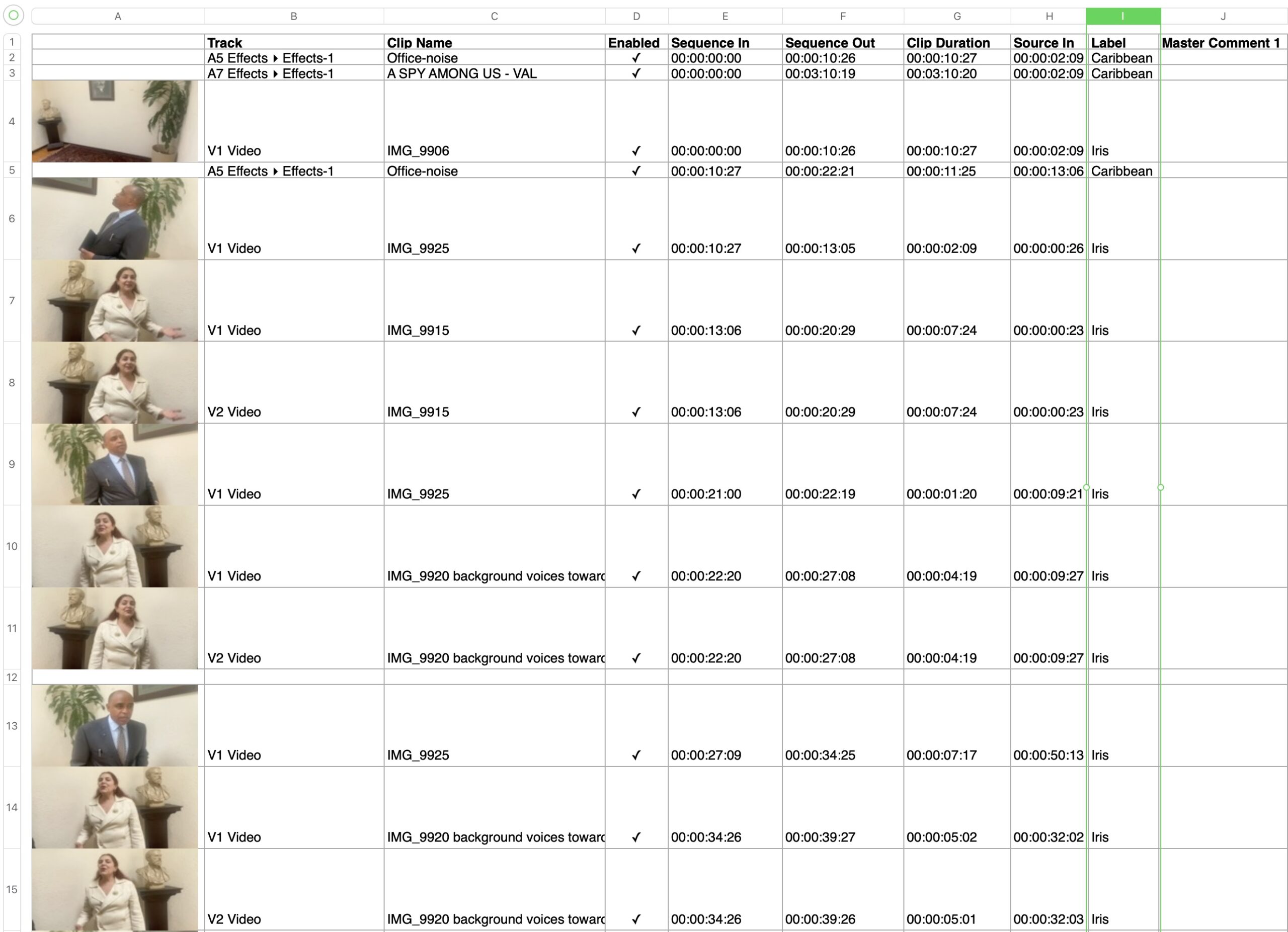
Add Thumbnails in Settings and Sequence Clip Reporter will add the first frame of the clip as a poster image, in sizes from 40 pixel height per image (to the left), through 160 pixel height (to the right), up to a maximum of 1280 pixels.