Move a Final Cut Pro X Event or Project to: Premiere Pro CC, After Effects (before version 17.0.5 ), Audition, and beyond!
XtoCC is the App Store name. Project X₂7 is the same app, but activated with a serial number, and sold direct from this site.
I’m using this for a client that only uses Premiere, but I can edit 100x faster in Final Cut. I’m saving myself a nightmare by just buying this, making the edit in FCP and sending them a folder with the XML and files in it. They are going to finish it. It’s a life saverr!
Just buy it for those reasons and you’re going to give a 10 star.
yanked (via app store)
US$49.99
For purchases of 3 or more, add to cart and use code Xto7 to take 30% off.
It’s always a pain when a client needs projects in one editing software, but you KNOW that their particular style of videos can be tackled SO MUCH faster in another tool. This allows me to use the best attributes of FCP for the initial versions (notably the speed and organization for working with huge quantities of media) and finish in Premiere so that the client can archive the project in their preferred formats. Thanks to this tool I can actually select the tool that the job calls for rather than some arbitrary constraint.
Lorenzo876 (via App Store)
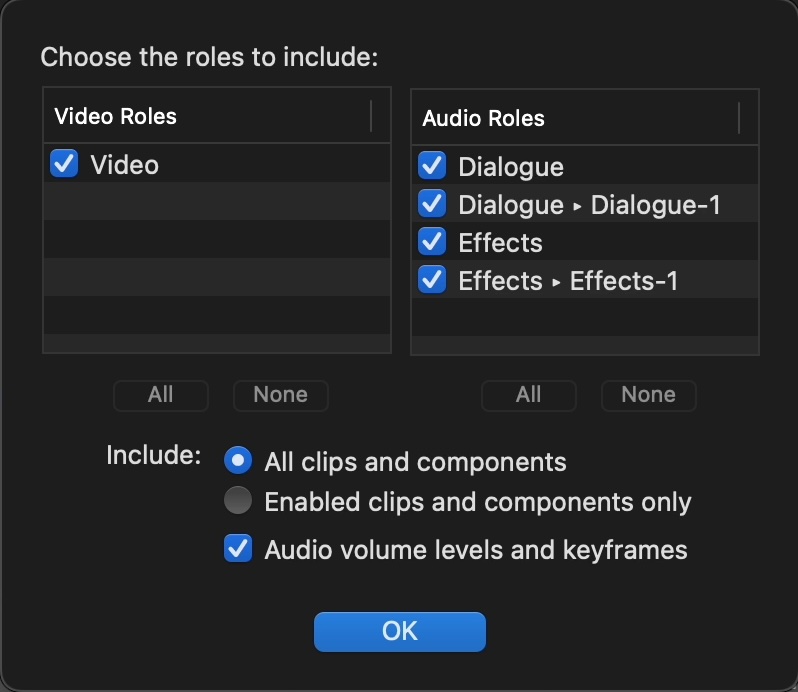
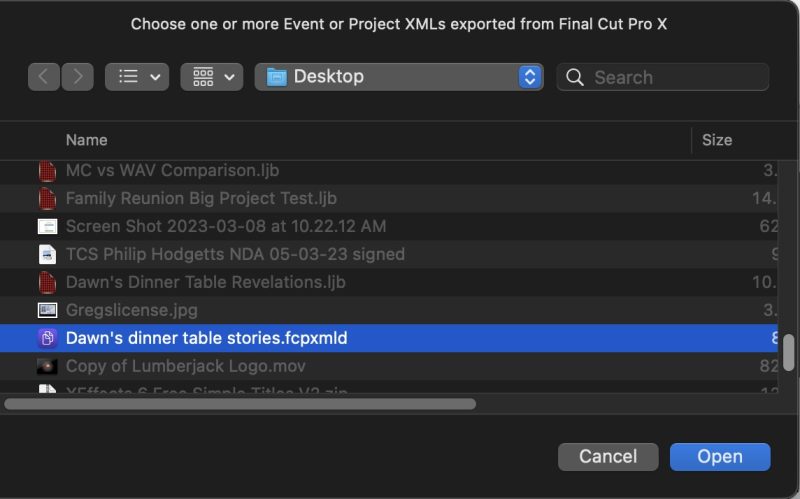
XtoCC translates Final Cut Pro X Library XML (.fcpxml) and converts it to XML (,xml )for import into Adobe’s Creative Cloud – Premiere Pro, Audition & After Effects – or other compatible applications.
“Thank you SO much for creating this software app. While things don’t always translate perfectly (and I expect this, with many different camera metadata file types)—this program worked great to get my cuts to Premiere. Before this, I would port my projects to daVinci and then port them again… always breaking my xml and media in all kinds of ways. Now I can rest assured I can still work. Please never quit supporting the newer application updates!”
App Store Review
XML Ready For
Premiere Pro, and then to
AAF to Avid Media Composer and Pro Tools
OMF for ProTools
EDL
After Effects (before version 17.0.5)
Audition
and other Final Cut Pro 7 XML workflow tools.
What to Expect
A typical Final Cut Pro Library will have:
Clips in Events
titles at the start and end;
a mixture of primary storyline and connected clips;
a mix of active and inactive clips;
large numbers of J and L cuts;
to-do markers and regular markers;
spot audio effects; and
cross-dissolve transitions.
All transfer without problem. Unfinished to-do markers appear as red markers, completed to-do markers as Green markers, and the blue Final Cut Pro markers as blue markers in Premiere Pro.
I bought it and just hoped for the best, and it worked great. I imported an 8 minute video and it only missed two clips, which were easy to locate and replace. A $50 investment to save several hours of work and headache, is well worth it in my eyes.
Scoooch2321
(via app store)
Had to transfer a FCP Library to a PP user, and it worked great.
Massive win though, as I had sorted the content in FCP and was able retain it into PP.
Cantleberrytale (via app store)
In a pinch, I had to move FCP t Premiere CC. Larry Jordan (as well as Adobe) recommended it. Purchased it, exported my projects, opened them in Premiere. Now I can get back to work.